Try on clothes with AI before you buy.
See every piece on you before you spend a cent.
Add one photo of yourself, screenshot clothes from any online store, and Fitty shows the full outfit on you. Free to start on iPhone and web.
Real Fitty results.
Drag the slider to compare. Unedited Fitty output, made in about 30 seconds (swimwear about a minute).


For Vinted, Depop & eBay sellers
Clean listing photos from a quick snap.
Photographed it on a hanger or the floor? Fitty turns it into a clean product photo in about 30 seconds. 1 credit per photo — no subscription on the web.
 Your photo
 Fitty photo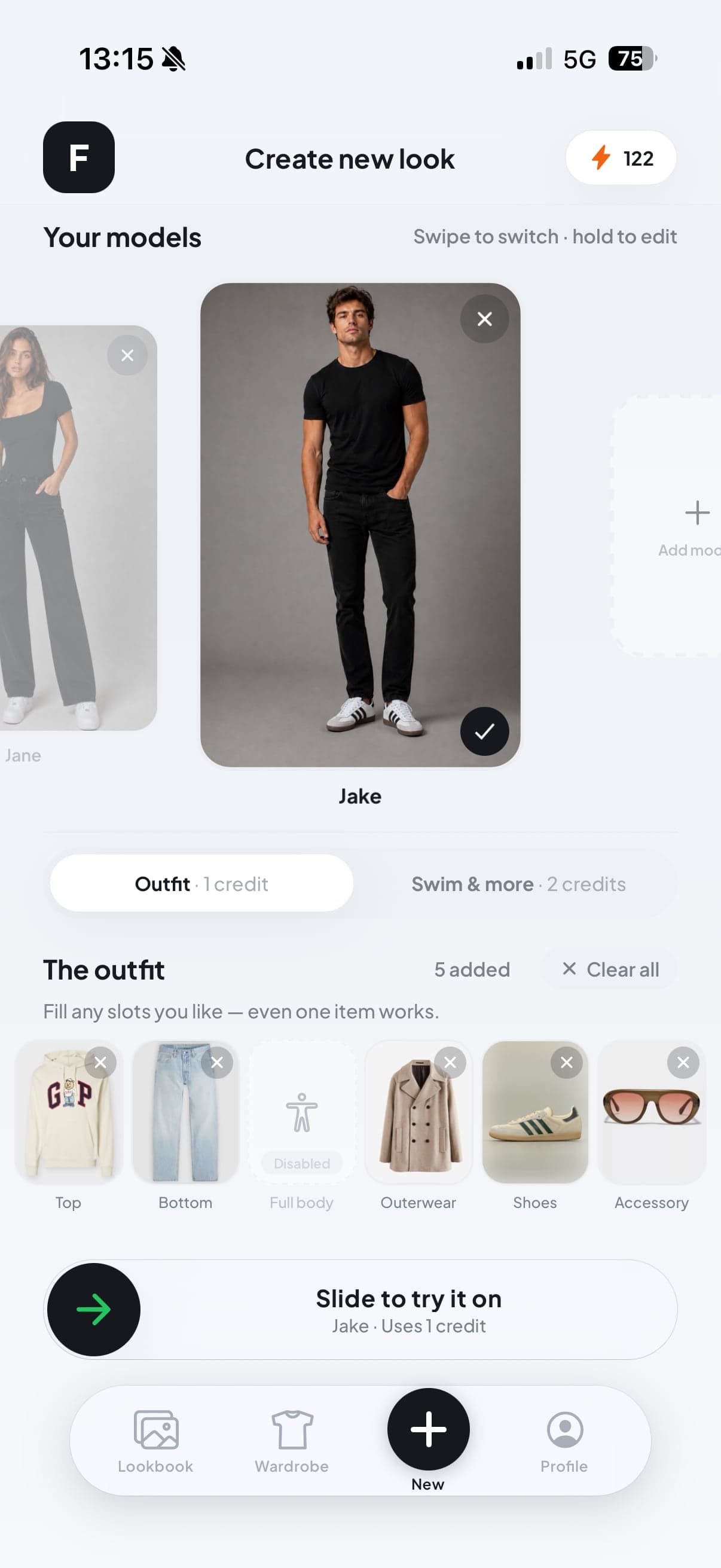
Build any outfit
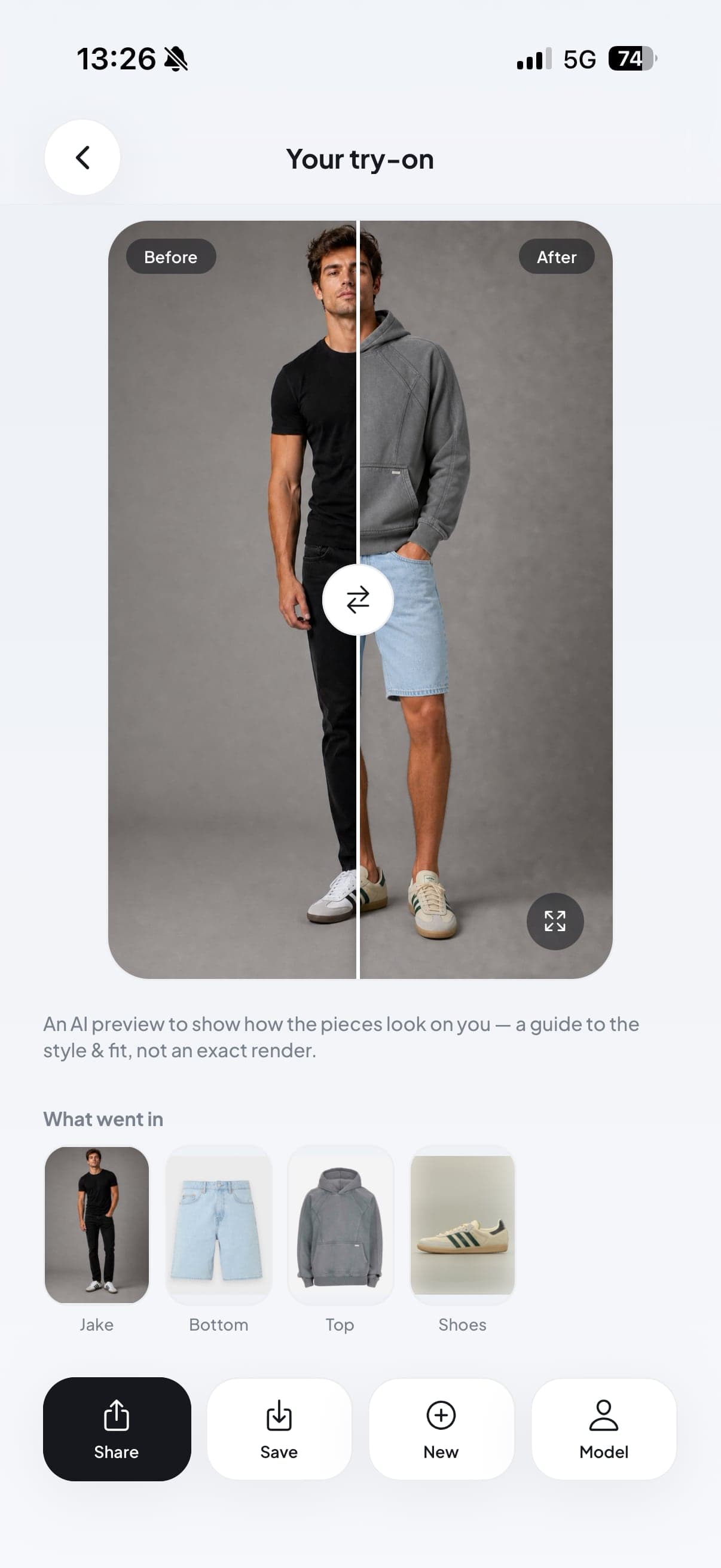
Before & after, on you
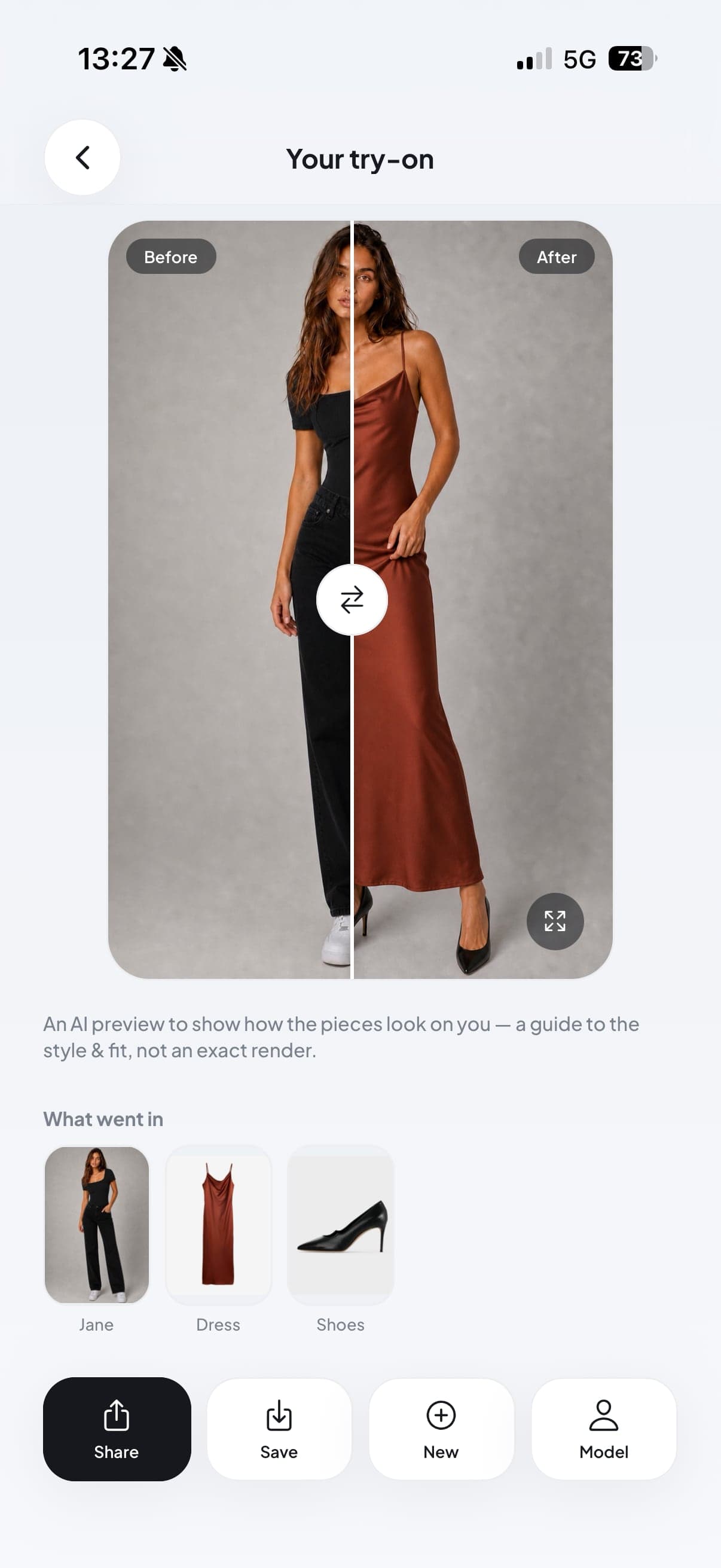
Dresses & full looks
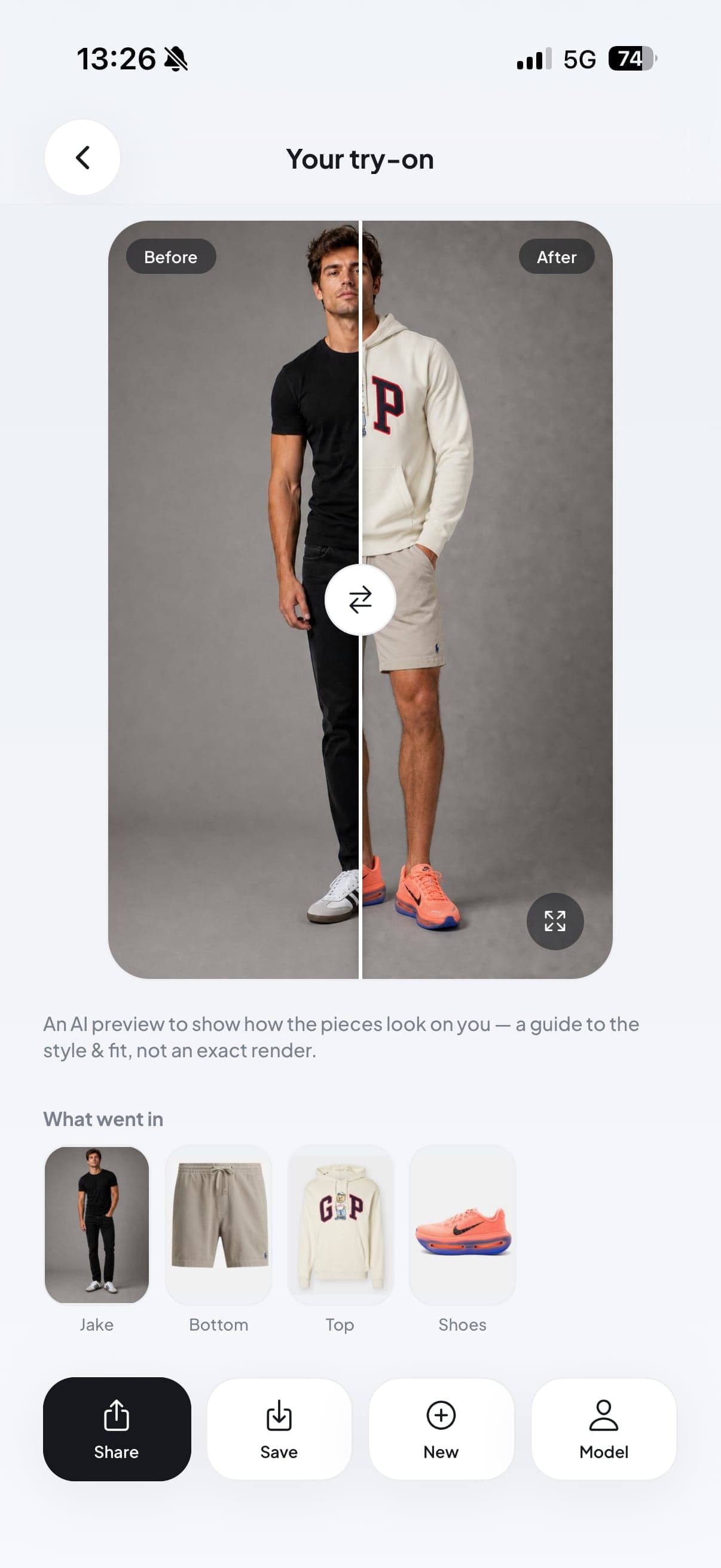
Any style, on you
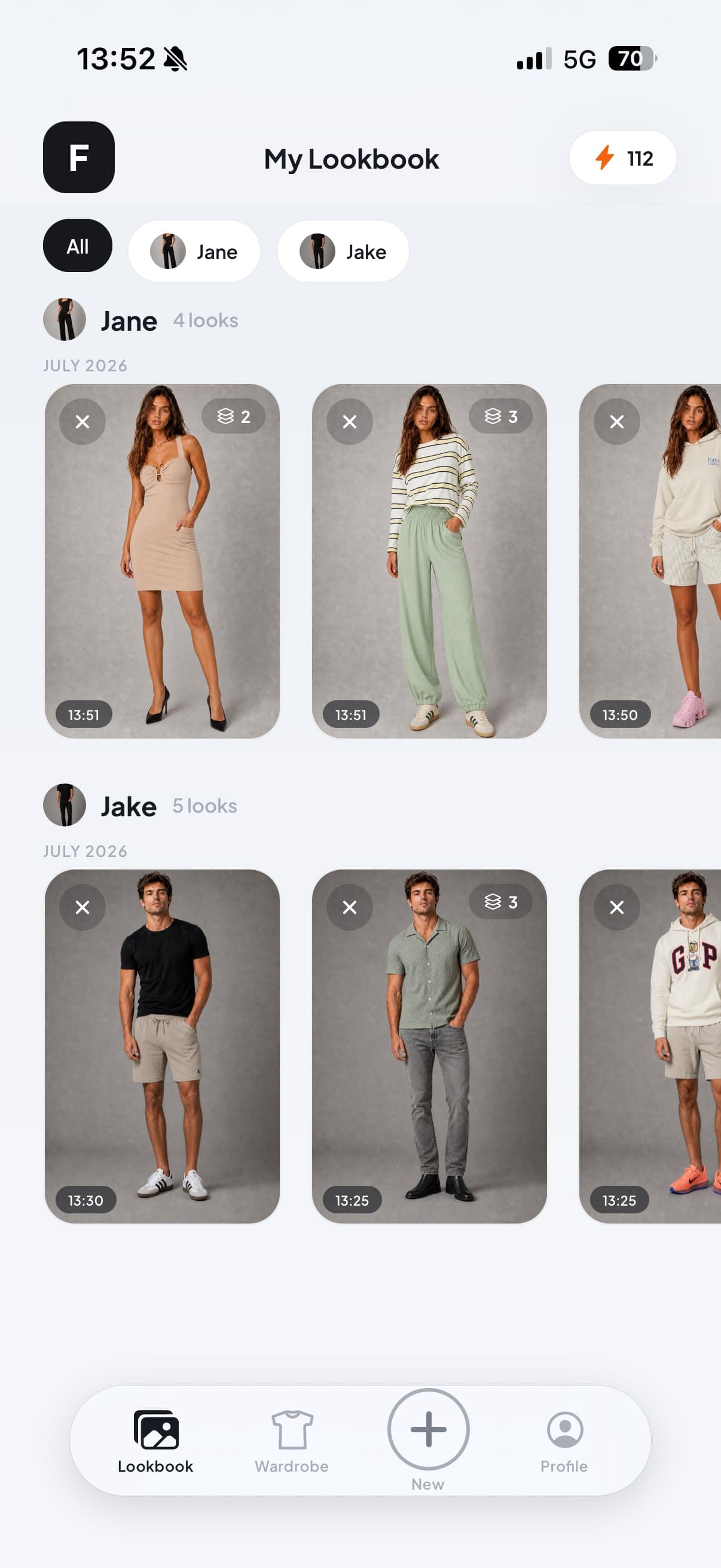
Save every look
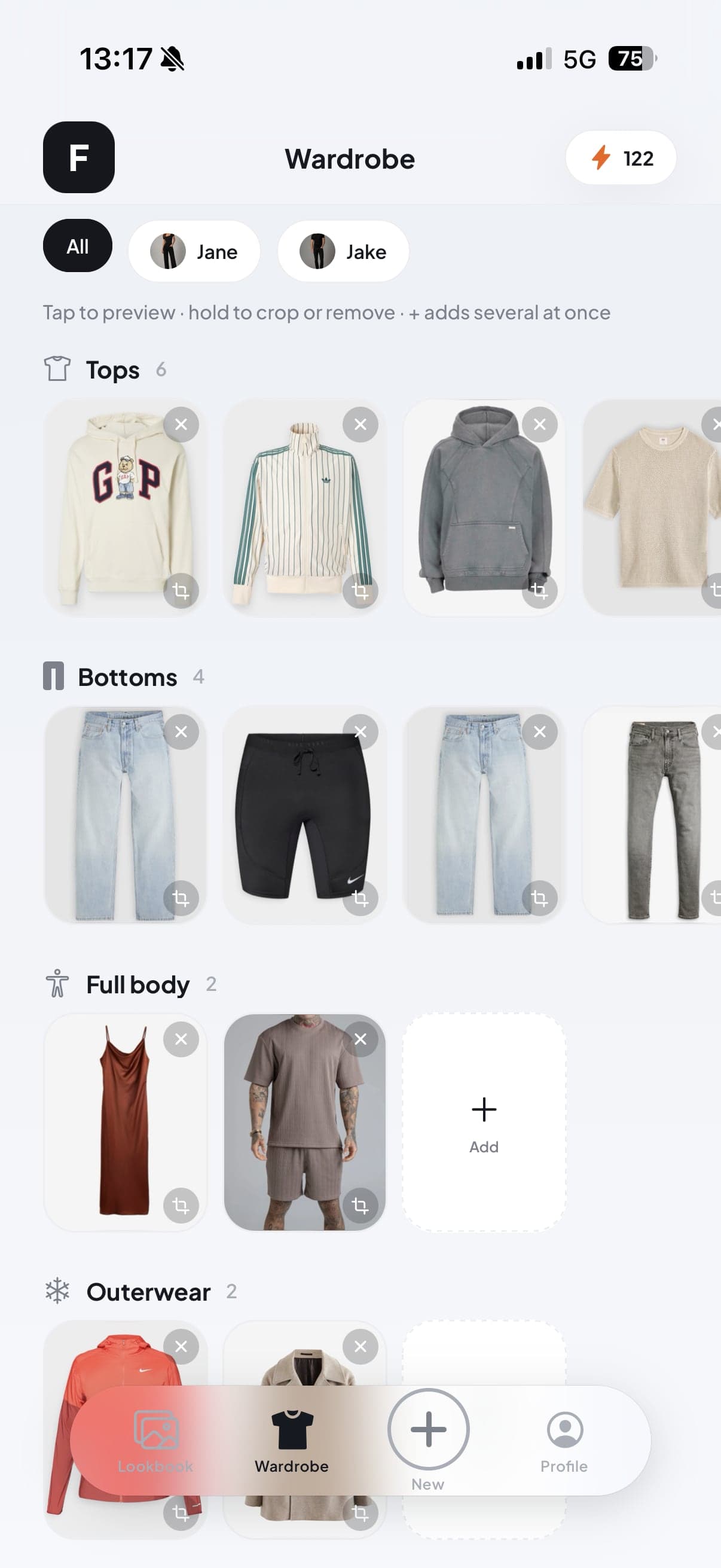
Your wardrobe, saved
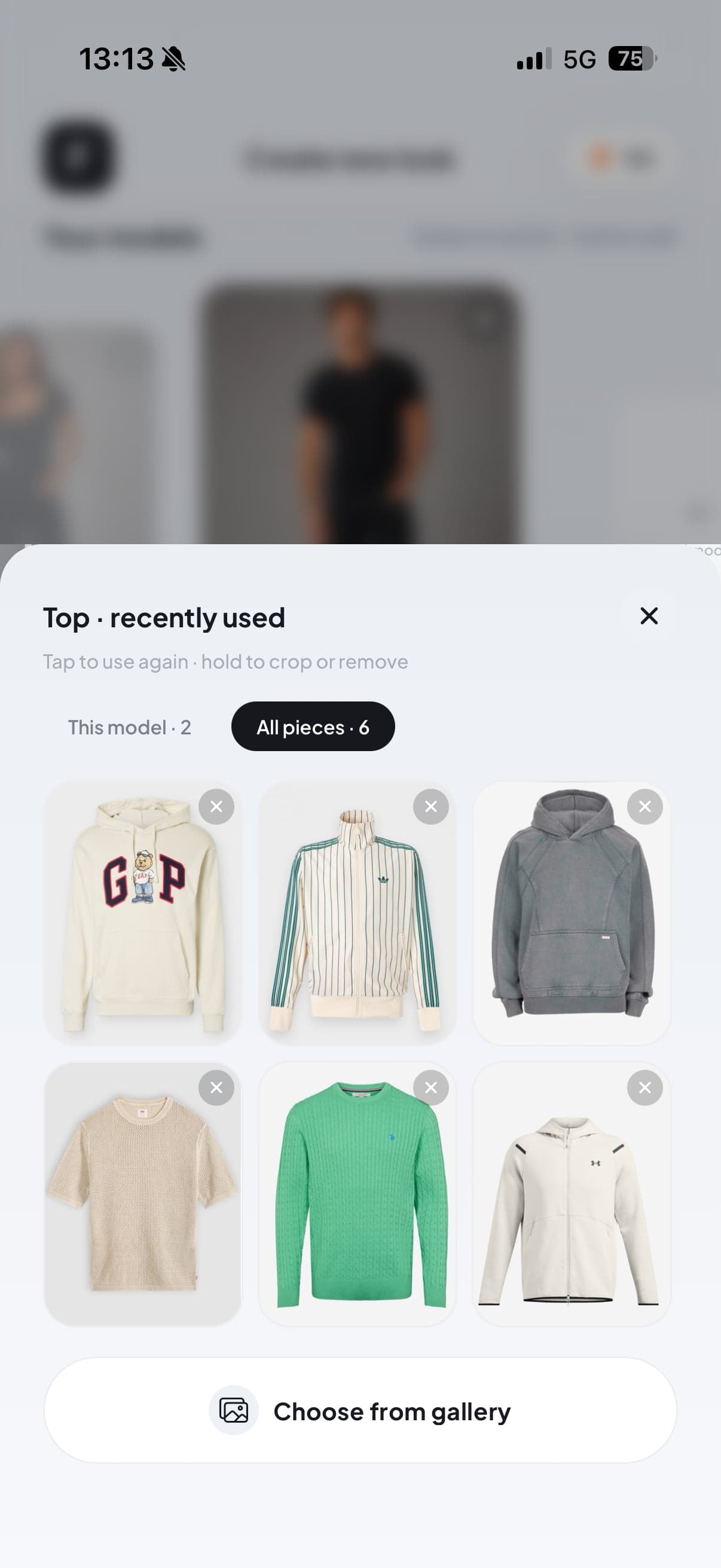
Add each piece
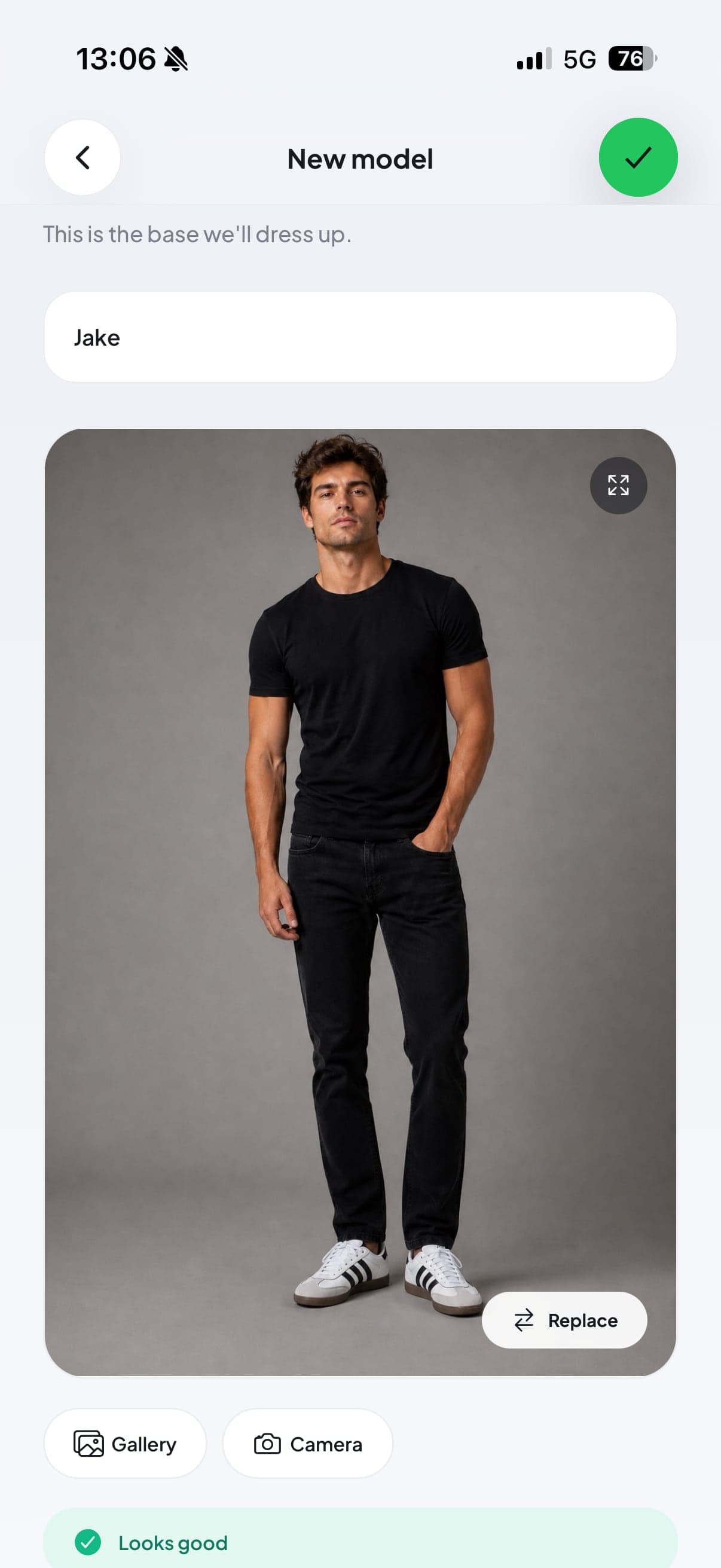
Add your model
Scroll horizontally to see more
Every try-on is an AI preview to help you judge style and fit — a guide, not an exact render. Real colour, fabric, fit and sizing can differ, so use Fitty to compare looks rather than as a guarantee of how an item will arrive.
Any outfit, on you
Add a top, bottom, shoes or a full look — even one item works. See it on your own photo in about 30 seconds.
Swim & more
One clear photo of a swimsuit or bikini and Fitty's premium engine renders a photoreal try-on.
Save every look
Every generated try-on lands in your Lookbook, ready to revisit, compare and save to your camera roll.
Play while you wait
A quick mini-game keeps you entertained while your look renders — no staring at a spinner.
FAQ
What is Fitty?
Fitty is an AI virtual try-on app for iPhone, and it also works in your browser at appfitty.com/try-on. You add one full-body photo of yourself, add the clothes you are considering, and Fitty generates an image of you wearing the whole outfit — so you can judge a look before you buy it.
How do I try on clothes with AI?
Download Fitty from the App Store, or open appfitty.com/try-on in any browser. Add a clear full-body photo of yourself, then fill any outfit slots — top, bottom, full body, outerwear, shoes or an accessory — with photos or screenshots of the items. Create the look and it is saved to your Lookbook (My looks on the web).
Can I try on clothes from any online store?
Yes. Fitty works from any photo of a garment, so you can screenshot a product from any online shop, marketplace or social post and use it straight away. For the best result, crop the image to just the item.
Can I try on a full outfit at once?
Yes. You can combine a top, bottom, outerwear, shoes and an accessory in a single try-on, or use just one item. An outfit try-on costs 1 credit no matter how many pieces you add.
Does Fitty work for swimwear?
Yes. Swim & more mode uses a premium engine built for swimsuits and bikinis — one clear photo of the swimwear is enough for a photoreal try-on. It costs 2 credits per try-on.
How long does a try-on take?
Outfit try-ons are usually ready in about 30 seconds; Swim & more takes about a minute. Each one opens with a before-and-after slider so you can compare your original photo with the new look, then it is saved to your Lookbook.
Is Fitty free?
The iPhone app is free to download and new accounts get 4 free try-on credits. After that you can subscribe in the app — $3.99 a week for 10 credits, $9.99 a month for 40 credits, or $49.99 a year for 480 credits — or buy one-time in-app credit packs from $2.99 that never expire. On the web, new accounts get 1 free try-on after signing in with Google; after that you buy credit packs from $3.99 on the pricing page (web and App Store prices differ). A failed generation never costs a credit.
Can I use Fitty without an iPhone?
Yes. Fitty works in any modern browser — Android, Windows or Mac — at appfitty.com/try-on. Sign in with Google and your first try-on is free; after that you buy one-time credit packs from $3.99 on the pricing page. On desktop you can also paste a screenshot straight in with Ctrl/⌘+V. Subscriptions are only in the iPhone app.
Do my credits work in both the app and the browser?
Yes. Sign in with the same account (for example the same Google account) and you have one balance everywhere — credits bought in the app work on the web and the other way round.
What is the best virtual try-on app for iPhone?
It depends on what you shop for. Many try-on tools only work inside one retailer’s own catalogue. Fitty is built for trying on clothes from anywhere: screenshot any item from any store, combine a full outfit in one go, and try on swimwear with a dedicated engine — all on your own photo, in the iPhone app or in your browser.
How accurate are the try-ons?
Every try-on is an AI preview to help you judge style and fit — a guide, not an exact render. Real colour, fabric, fit and sizing can differ, so use Fitty to compare looks rather than as a guarantee of how an item will arrive.
What happens to my photos?
Your model and garment photos are kept on your device — in the app, or in your browser on the web — and are only sent to our servers to check your photo and to create a try-on. Saved looks are stored encrypted on servers in the EU, and you can delete your account and all your data at any time from the app’s profile, or by emailing us.
See it on you before you buy.
Start free with 4 credits on iPhone, or buy credits and try it in your browser.